
Kia Stinger CK: Automatic Transmission System / Automatic Transmission System
Components and components location
| Components |
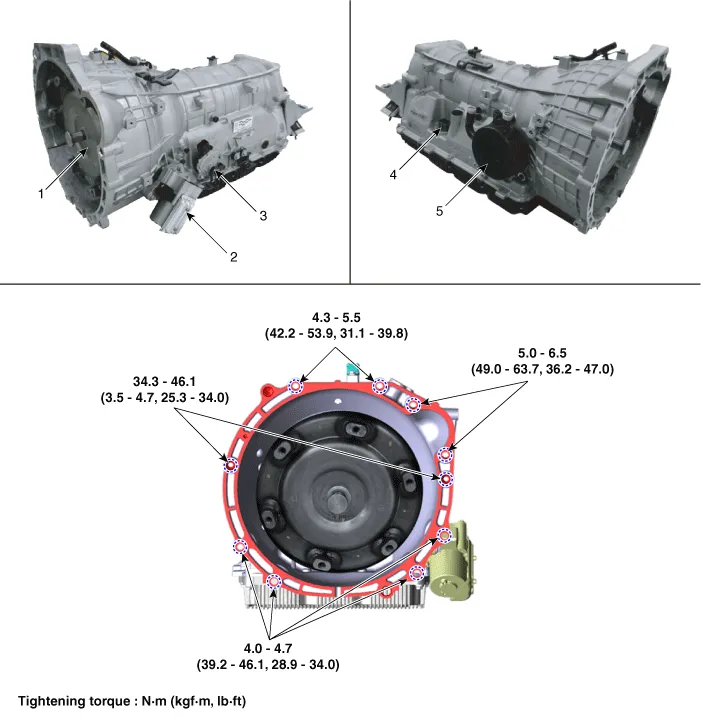
| 1. Torque converter 2. Electric Oil Pump (EOP) 3. Parking switch (Inhibitor switch) |
4. Main connector 5. ATF Warmer |
Repair procedures
| Removal |
| 1. |
Disconnect the negative (-) battery terminal. |
| 2. |
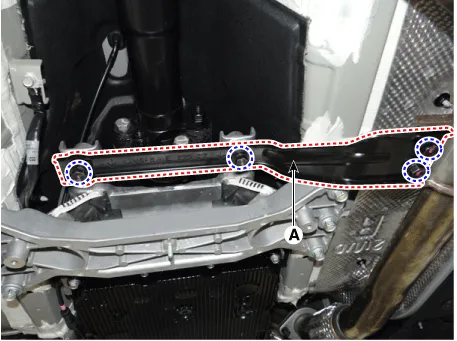
Remove the stay (A) by loosening the bolts.
|
| 3. |
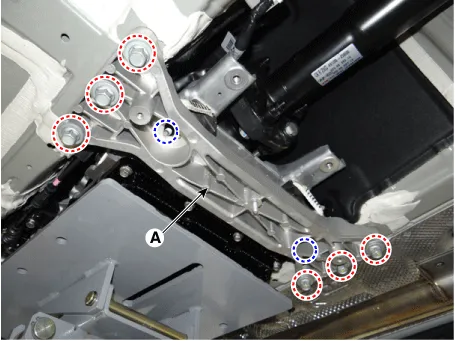
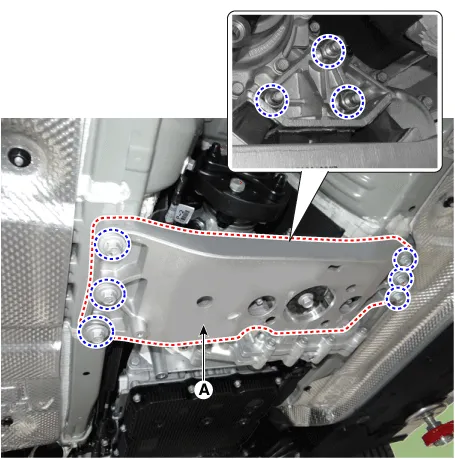
Remove the cross member (A) after supporting the transmission on a jack. [2WD]
[4WD]
|
| 4. |
Remove the front muffler. (Refer to Engine Mechanical System - "Muffler") |
| 5. |
Remove the propeller shaft assembly. (Refer to Driveshaft and axle - "Propeller Shaft Assembly") |
| 6. |
Remove the transfer assembly. (Refer to 4 Wheel Drive (4WD) System- "Transfer Case Assembly") |
| 7. |
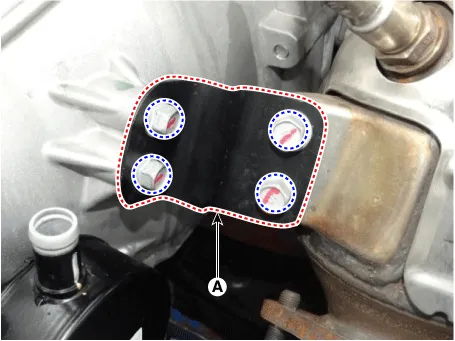
Remove the exhaust manifold stay (A).
|
| 8. |
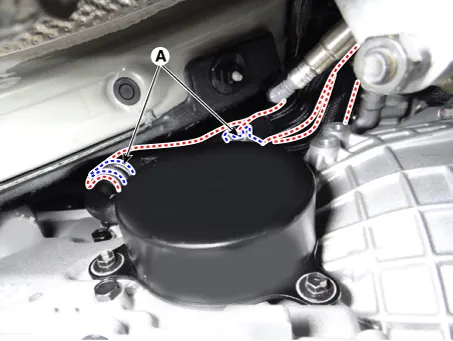
Separate the ATF warmer hose (A). [ATF warmer]
|
| 9. |
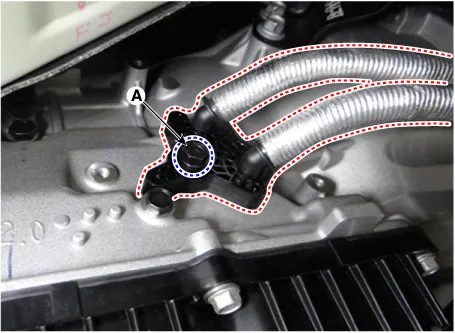
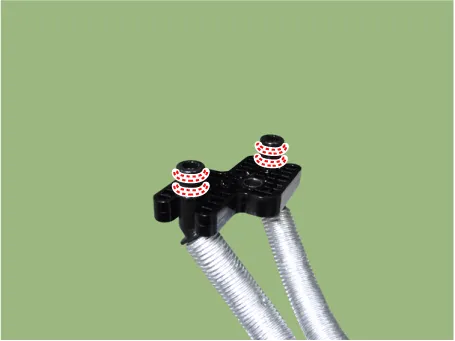
Remove the ATF cooler tube from the transmission after loosening a bolt (A). [Non-ATF warmer]
|

| 10. |
Remove the ground (A).
|
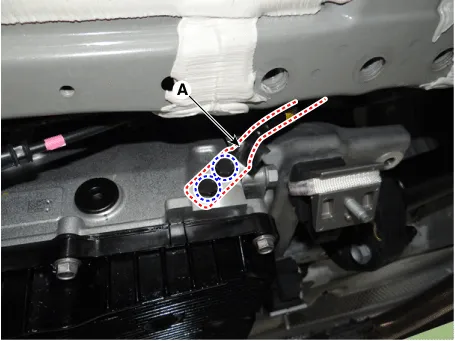
| 11. |
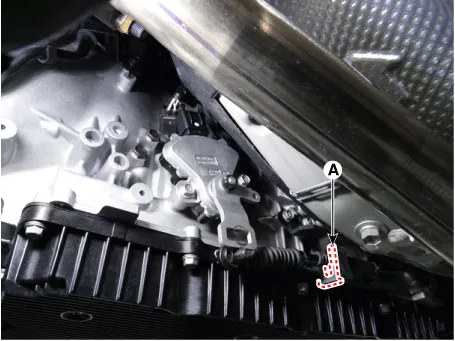
Disconnect the parking switch (inhibitor switch) connector and remove the parking release cable (shift cable). [SBW]
[SBC]
|
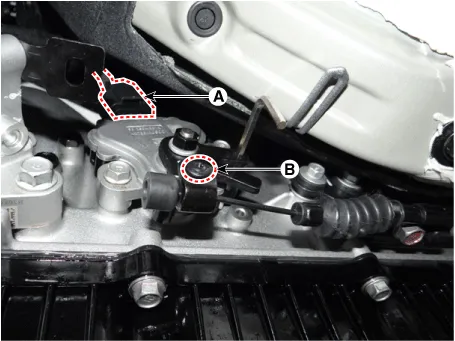
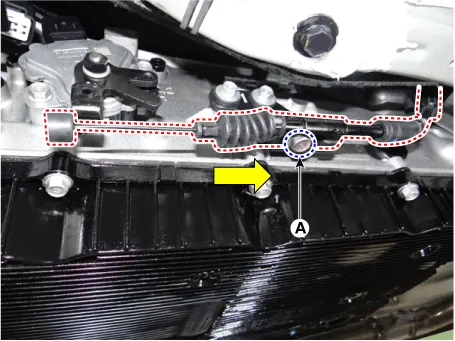
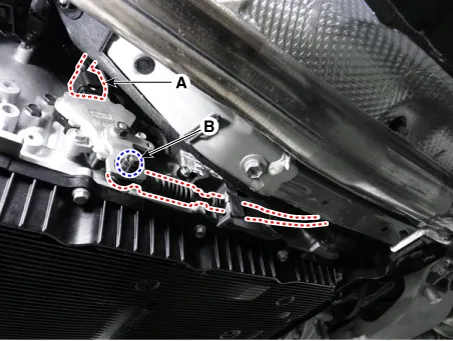
| 12. |
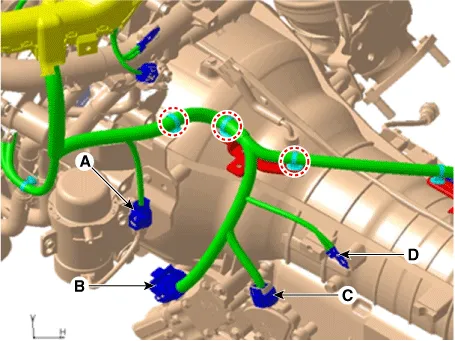
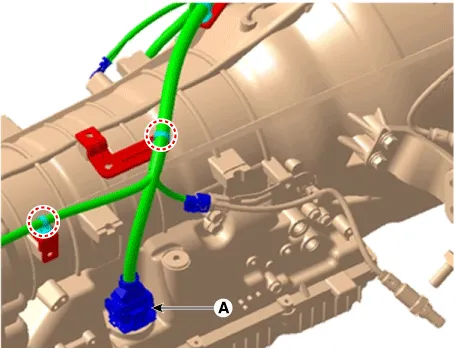
Remove the wiring from the transmission.
|
| 13. |
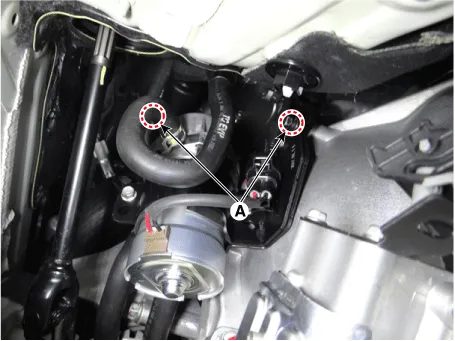
Remove the vacuum pump from the transmission after loosening th bolts (A).
|
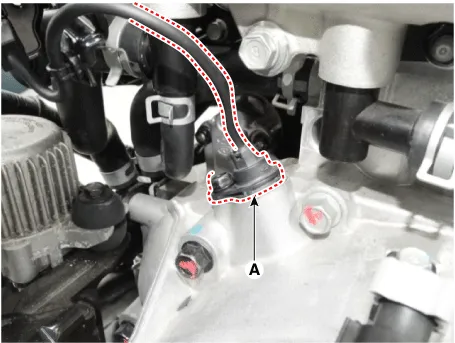
| 14. |
Remove the CKP sensor (A) after loosening a bolt.
|
| 15. |
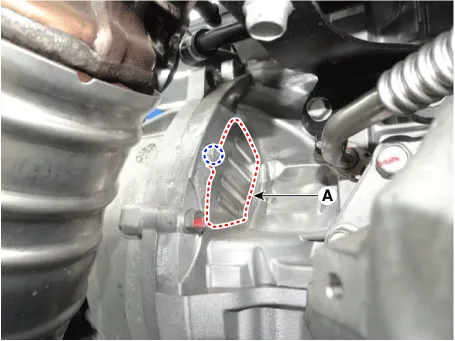
Remove the cover (A).
|
| 16. |
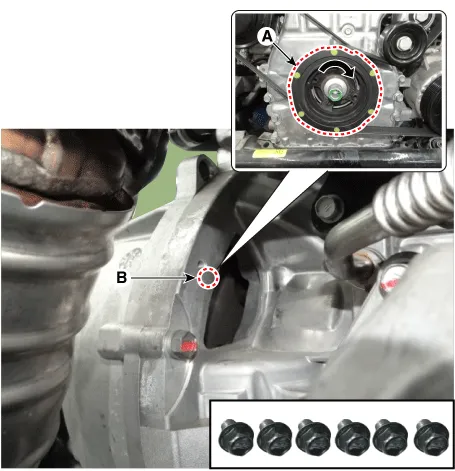
Remove the cover and then loosen the torque converter mounting bolts (B-6pcs) by rotating the crankshaft (A).
|
| 17. |
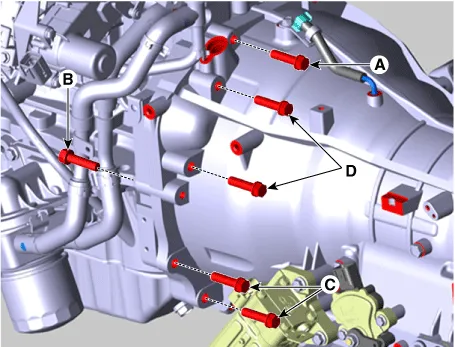
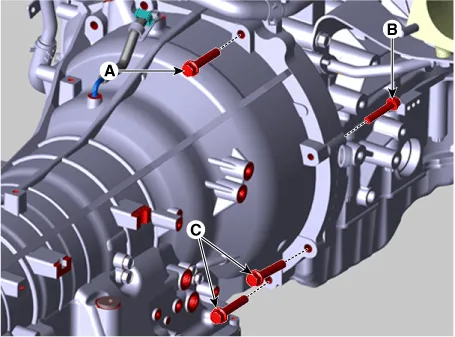
Loosen the transmission mounting bolts (A, B, C) and starter mouting bolts (D).
|

| 18. |
After separating the transmission from the engine, remove the transmission by lowering the jack slowly.
|
| Installation |
| 1. |
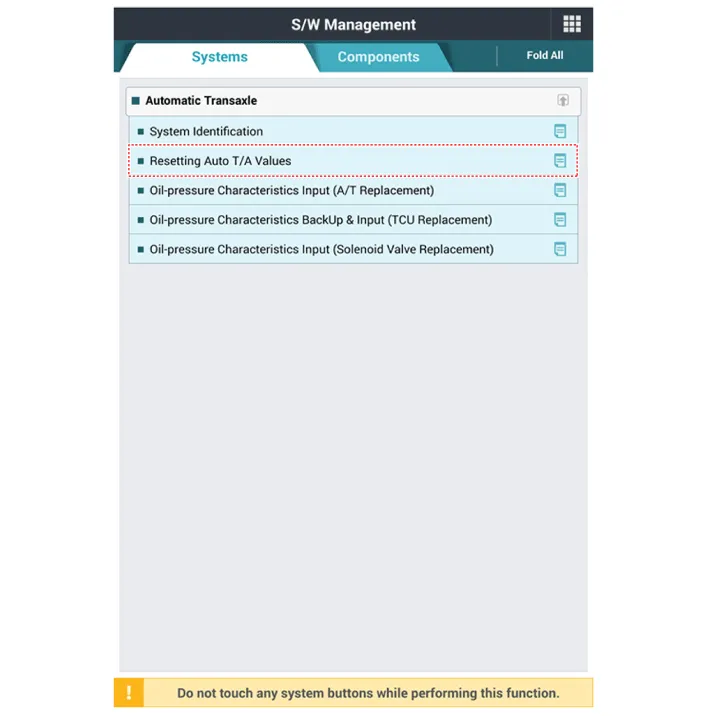
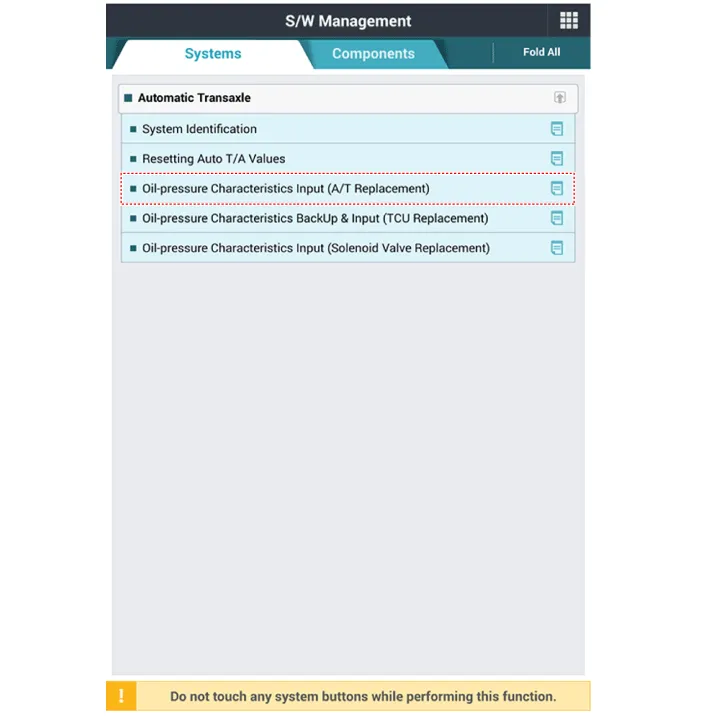
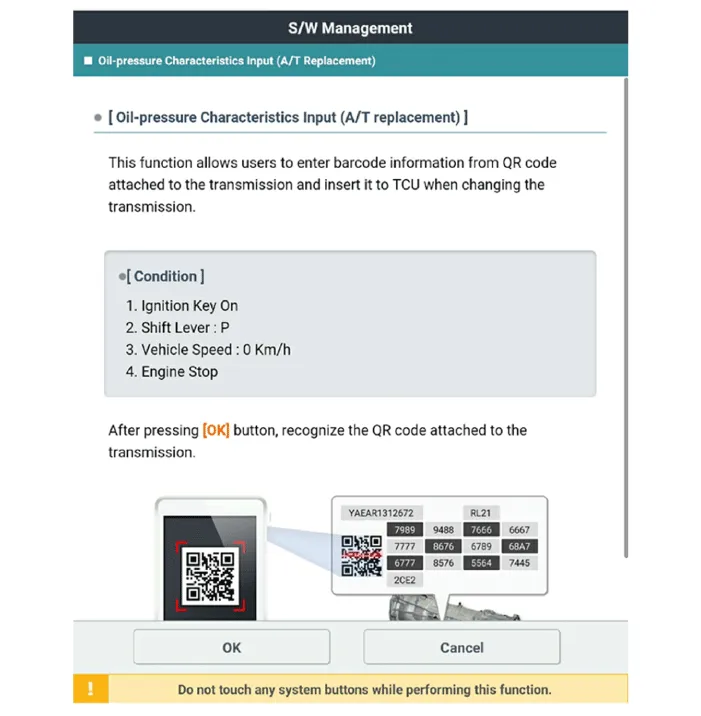
Install in the reverse order of removal
|



Other information:
Kia Stinger (CK) 2018-2023 Service Manual: Bulb replacement precaution
Please keep extra bulbs on hand with appropriate wattage ratings in case of emergencies. Refer to “Bulb Wattage” in chapter 8. When changing lamps, first turn off the engine at a safe place, firmly apply the parking brake and detach the battery’s negative (-) terminal. WARNING - Working on the lights Prior to working on the light, firmly apply the parking brake, ensure that the ignition switch is turned to the LOCK position and turn off the lights to avoid sudden movement of the vehicle burns to your skin or fingers, or an electric shock.Kia Stinger (CK) 2018-2023 Service Manual: Oil Level Gauge & Pipe
Repair procedures Removal and Installation 1. Remove the oil level gauge (A). 2. Remove the engine room front under cover and LH side cover. (Refer to Engine and Transmission Assembly - "Engine Room Under Cover") 3. Remove the LH engine mounting support bracket nut (A).Categories
- Manuals Home
- Kia Stinger Owners Manual
- Kia Stinger Service Manual
- New on site
- Most important about car
